Lumisphere
Lumisphere
Christmas memories, beautifully kept. 🎄
Relive your favorite moments. ✨
USB-C rechargeable. 🔋
BUNDLE & SAVE
Couldn't load pickup availability
 MEMORIES THAT LAST
 30-DAY RETURNS
 MADE FOR GIFTING
How long does the battery last?
How long does the battery last?
The orb lasts approximately 3–4 hours on a full charge, so you can enjoy your favorite memories throughout the evening. 🔋
What’s included in the box?
What’s included in the box?
Your Memory Orb comes with a USB-A to USB-C charging cable and an instruction manual, ready to bring your favorite memories to life. 🎄✨
Shipping and Returns
Shipping and Returns
How long to ship my order?
Shipping times depends on location heavy, the times which you should expect are anywhere from 7-16 business days. 📦
Can I return my order?
Yes! We offer returns within 30 days of receiving your order. Please see our return policy for more details.💙

The orb was easy to set up, and I love being able to change the videos whenever I want. It makes our Christmas tree feel so much more personal. ✨

“Such a special Christmas decoration!I put our favorite family videos on it, and it looks beautiful on the tree. Everyone wanted to know where I got it. 🎄

“The perfect gift for my mum.”She absolutely loved seeing our memories playing on the orb. It’s such a thoughtful gift and something she can enjoy every Christmas. ❤️


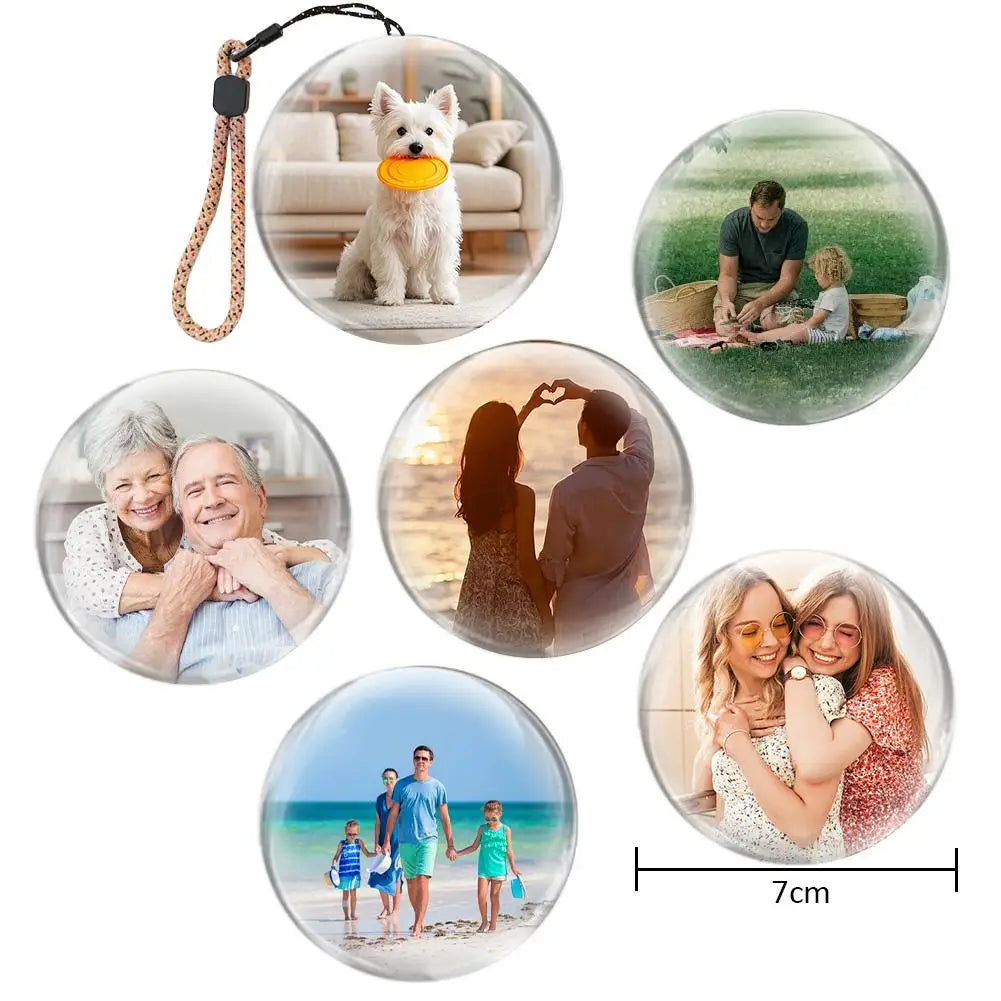

Lumisphere

Connect the orb
Plug it into your device using the included Type-C cable.
Turn it on
Wait a moment for your device to recognize it.
Resize your video
Set your video to 480 × 480 pixels.
Add your memory
Drag the video into the orb folder and you're done.
It was worth the price paid! I'm from São Paulo, and the delivery was on time, even fast. It works perfectly well and is easy to use. I recommend it!
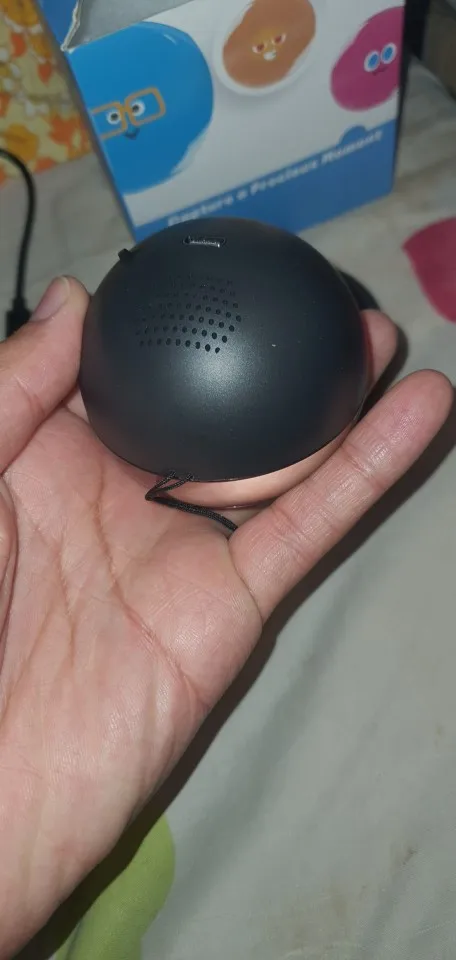
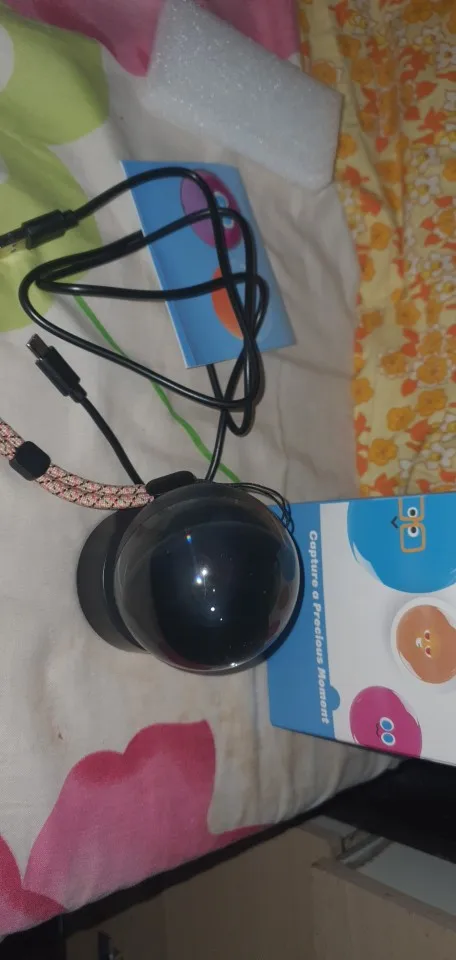
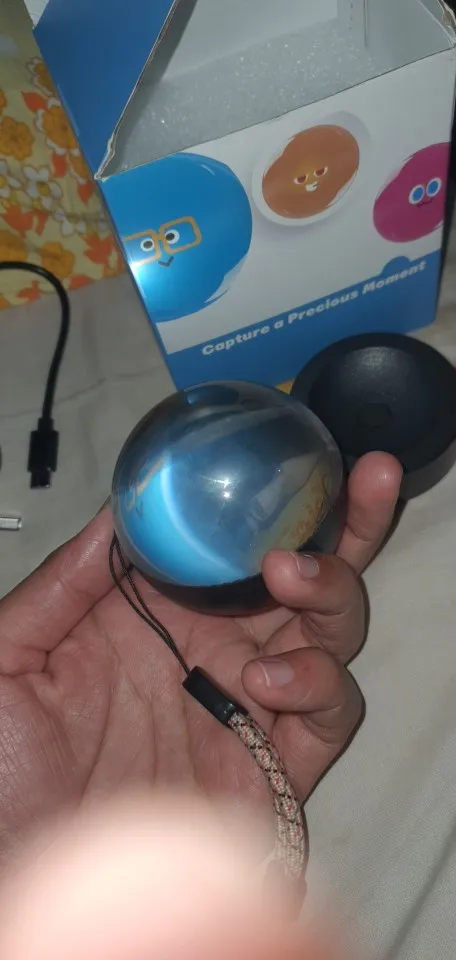
Ok, after fooling around with this is bit, i got it working.
Step 1: ignore most of the instructions, they're wrong.
Step 2: charge it all the way up before messing with it, else it won't let you start uploading stuff to it
Video: you can use most any software to convert your videos over. 480x480 mp4 is what is needed, though mine does just fine with 720p videos converted by clipchamp (free, windows video editor). You lose some of the the edges, but can go with the lower 480p too. You have to manually change from one video to the next.
Photos: you need to make a folder called 'picture' on the device. In there put some 480x480 96dpi photos. Lower dpi (eg 72, like taken by many cameras) doesn't work. Again, free photo editor will help you out here. I found 400x400 size to look the best. Like video, you have to manually switch, it doesn't cycle on its own.
Now, you can't switch between video and photo. You have to remove any videos, else the photos are ignored.
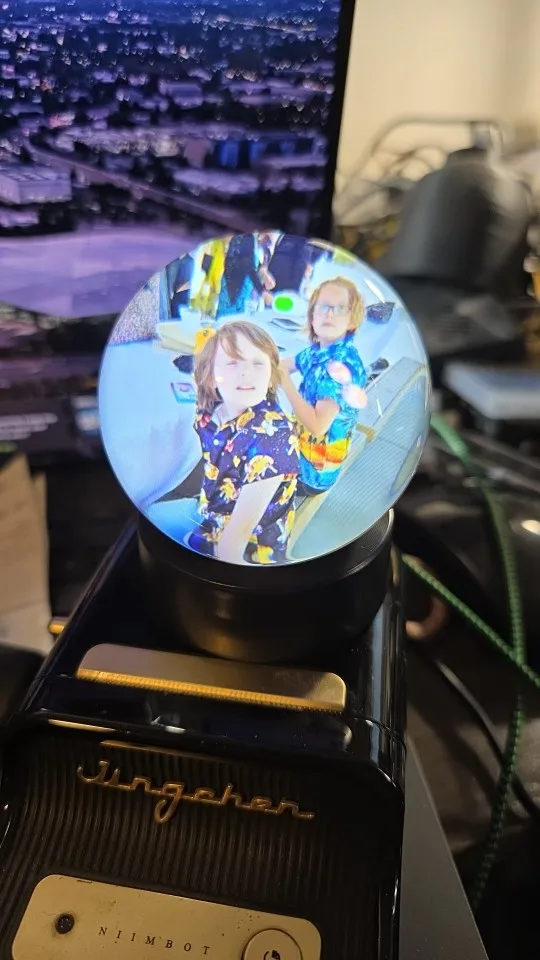
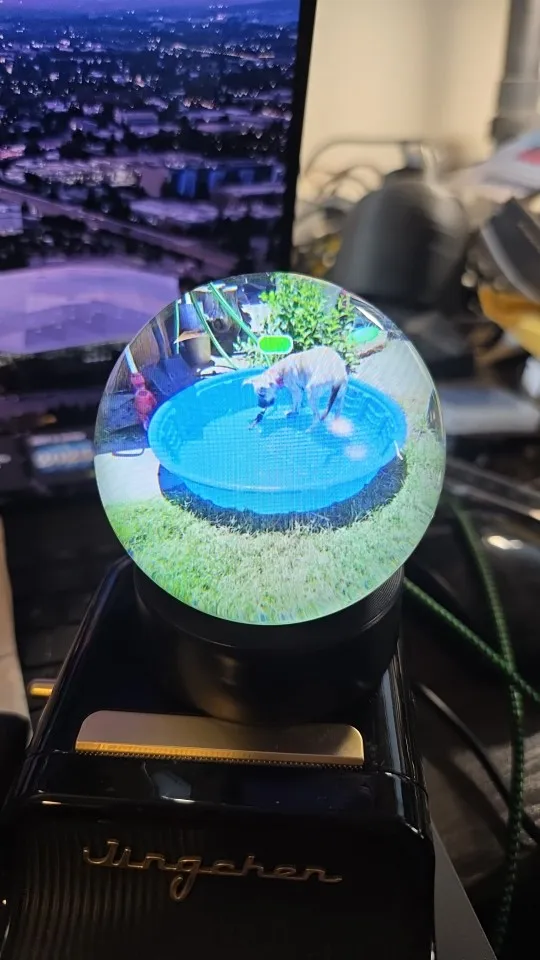
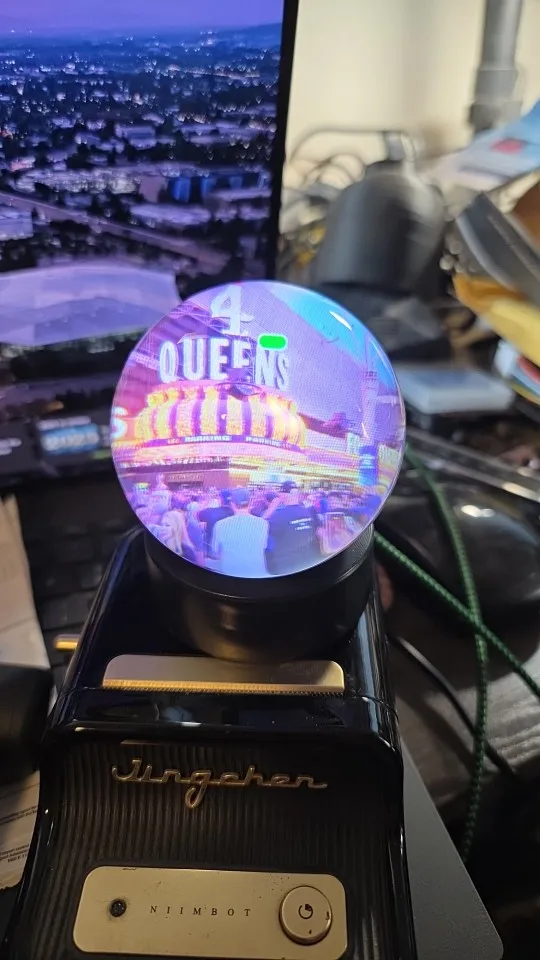
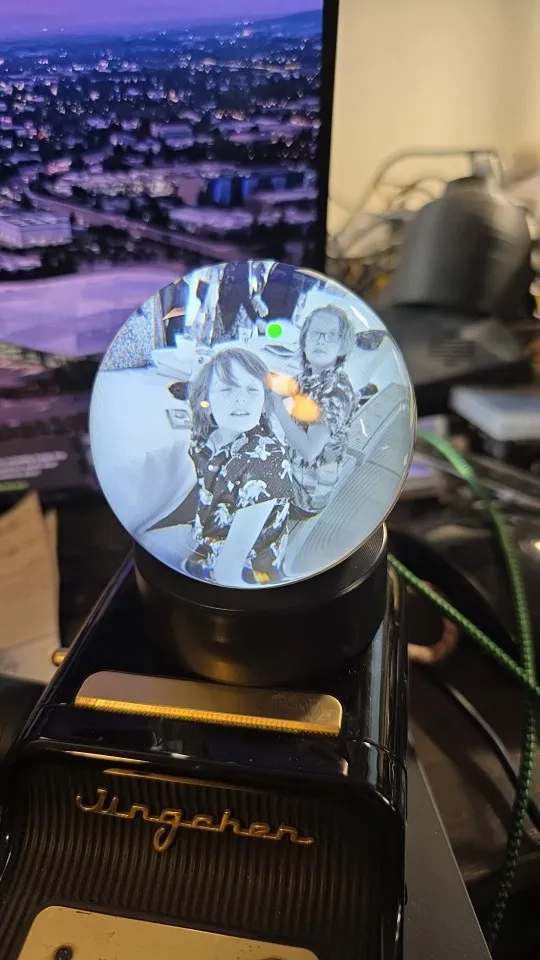
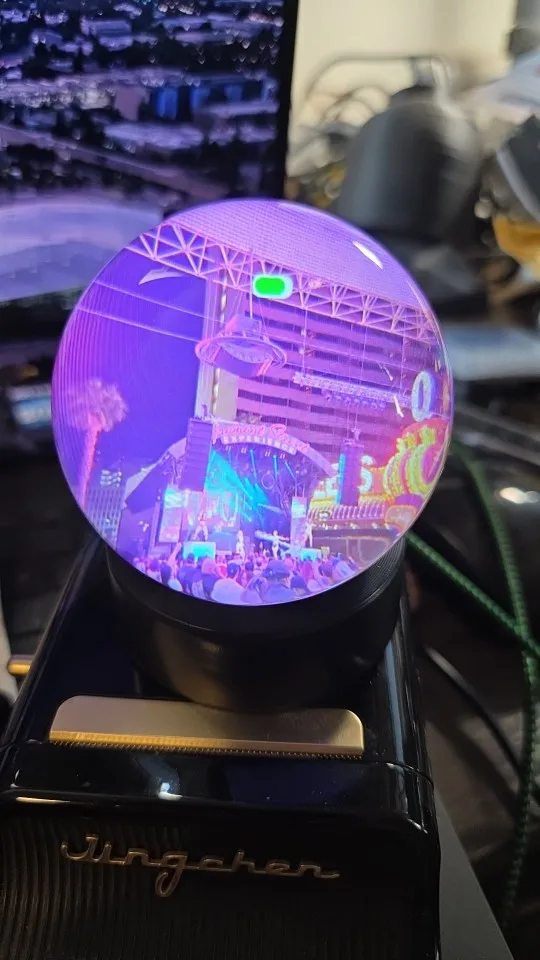
It arrived very quickly and was well packaged, works perfectly, but it's a little difficult to upload the video the first time, but then it's easy. You need to connect it while it's off to the laptop and then turn it on to upload the videos.
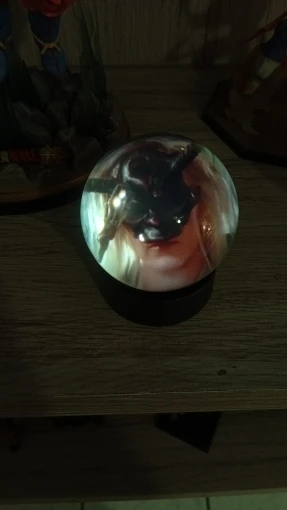
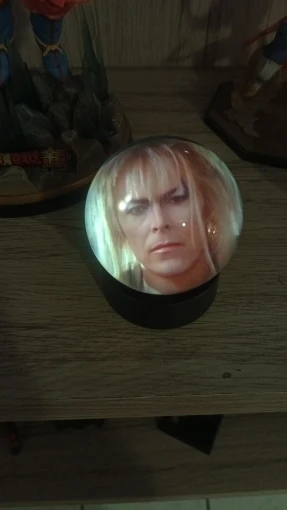
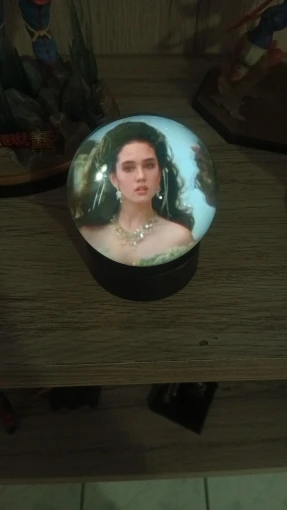
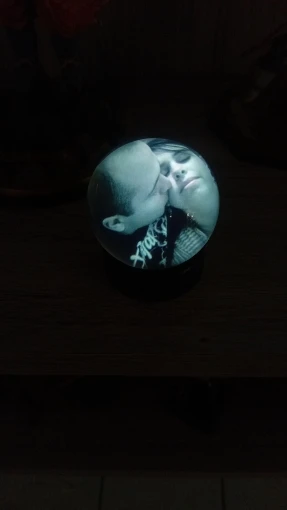
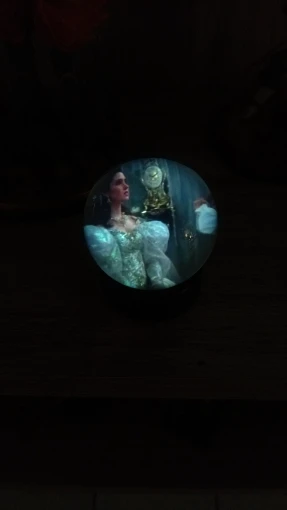
It's very good, very nice, and all that is said is true.


It's a great product. As described, the packaging condition is also good.
Great product, exactly as described and well packaged.
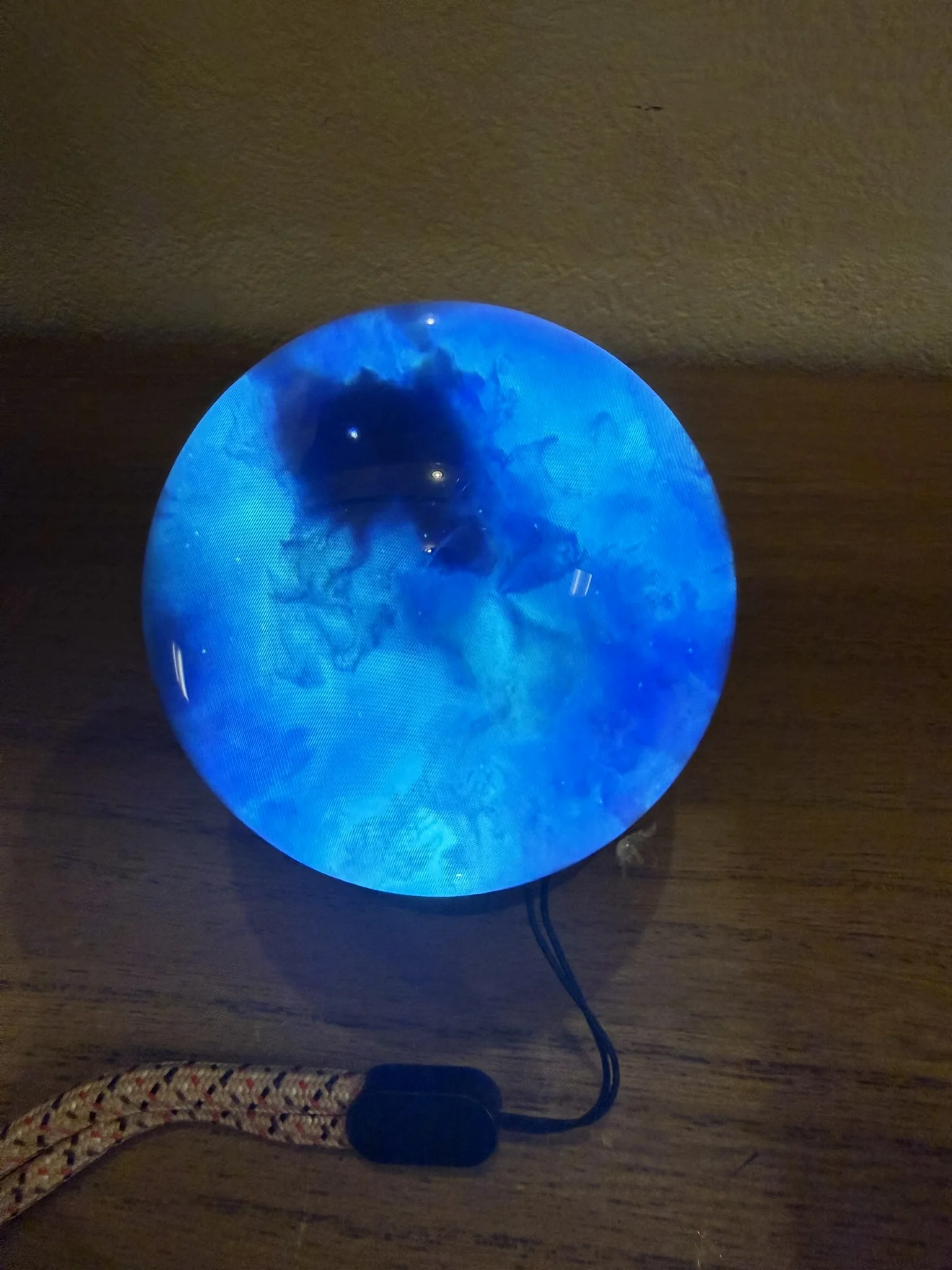
It's a great product. As described, the packaging condition is also good.
Great product, exactly as described and well packaged.
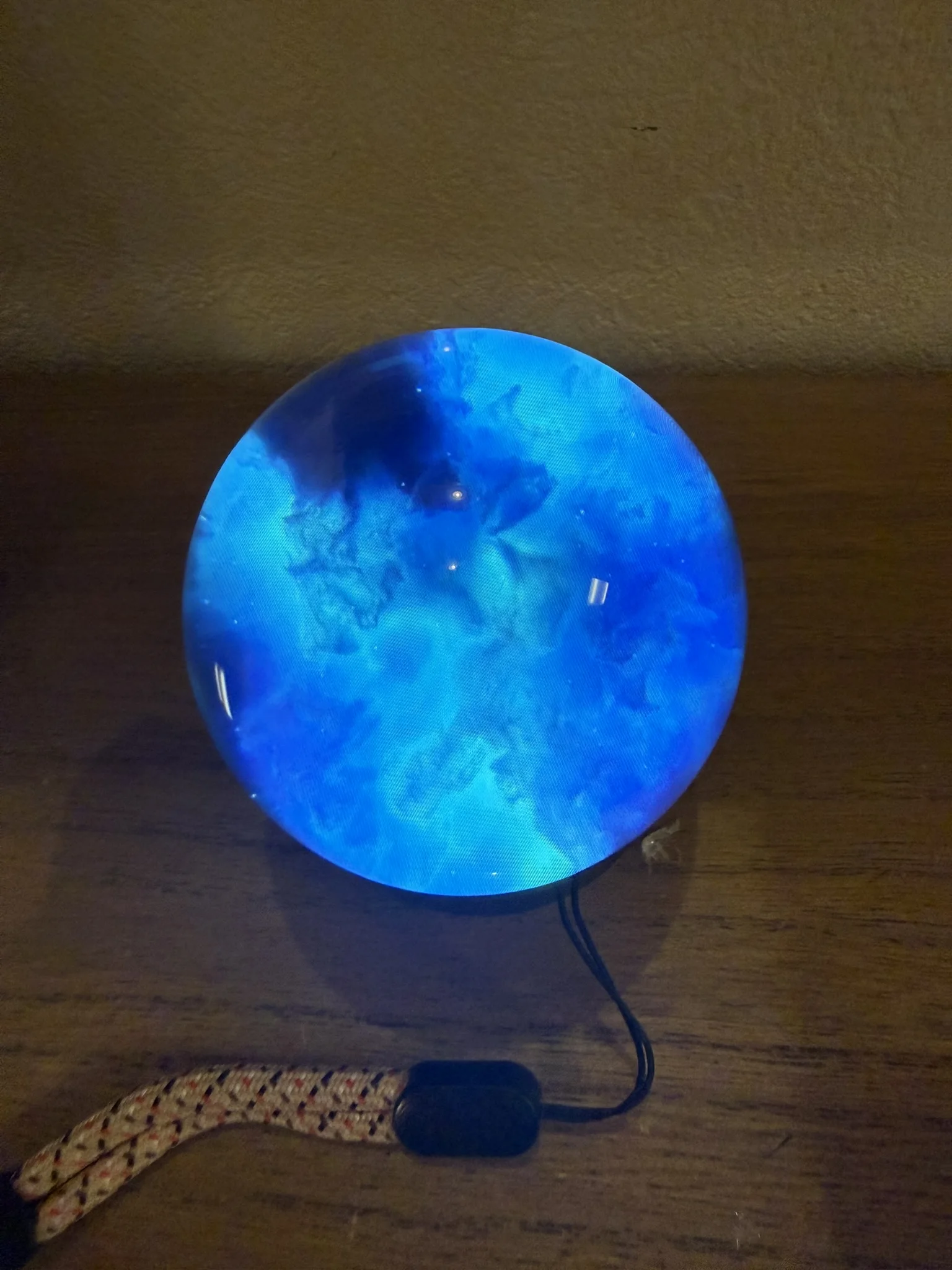
Arrived without any damage and all parts were included.
Satisfied with the product. I ordered it in white and it's neat and pretty.
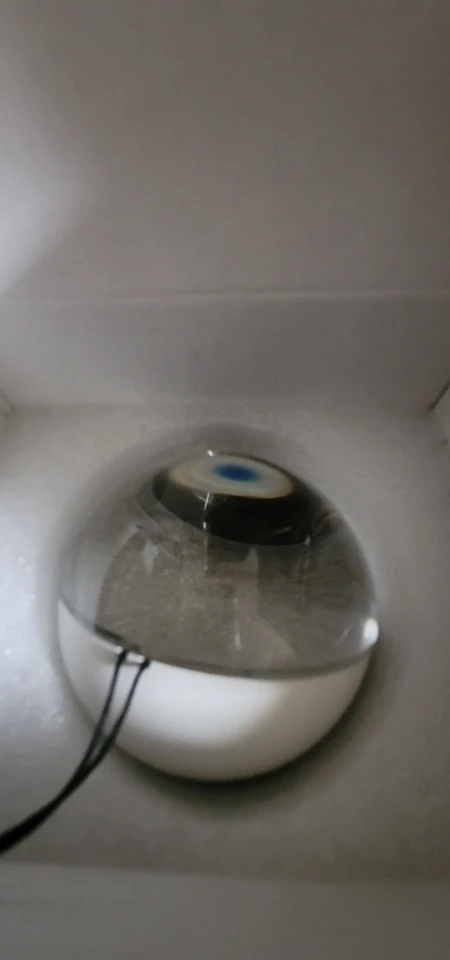
Wooooow this ball is stunning i love it sooooo much 🤩 🤩 🤩 🤩 🤩
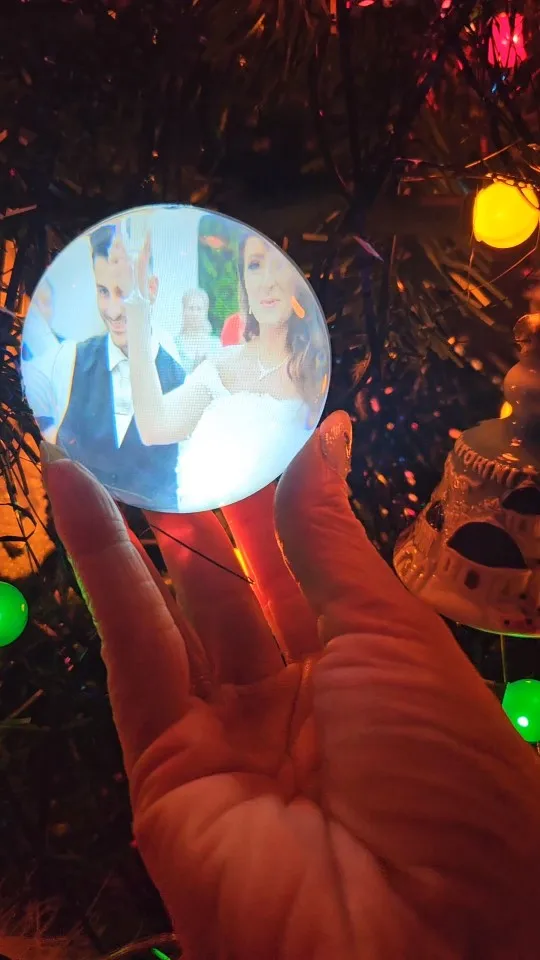
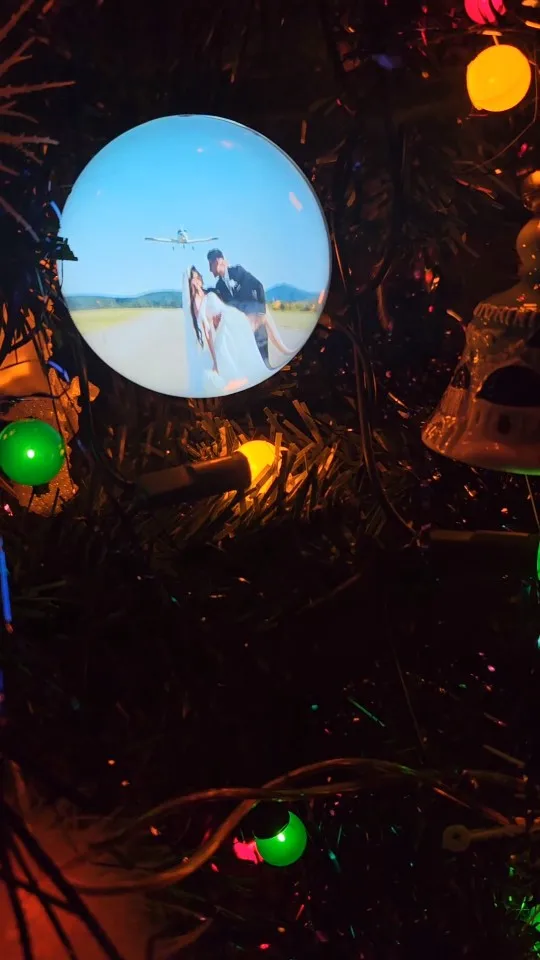
The ball arrived very quickly and in good condition.
A nice gift to hang on the Christmas tree or place on the desk.
Good image quality. I recommend leaving a margin around when editing so that the video fits better when viewing it on the ball.
The instructions indicate how to download a program to edit the videos. But it's not necessary to use that one. You can use any program you want to edit. As long as the video is in 480x480p format in mp4 and the audio uses the mp3 codec.
To put some negative points: you have to manually scroll through the videos with the button at the back (which is very small). And the volume sounds low (you have to increase it a lot beforehand in editing).
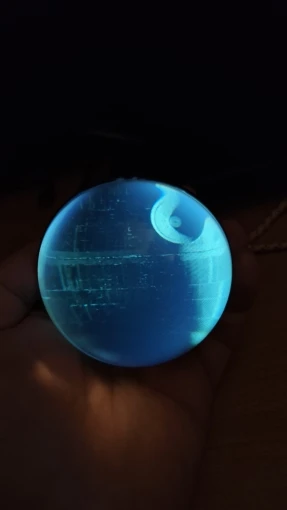
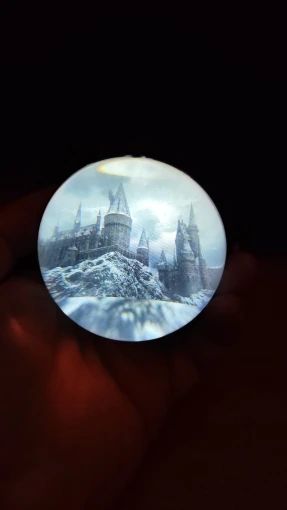
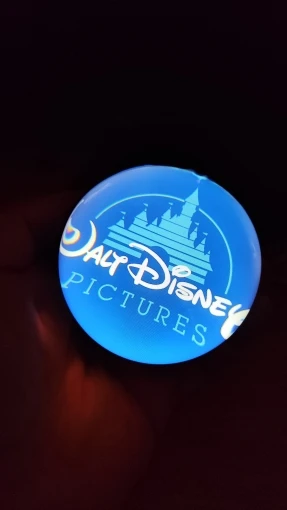
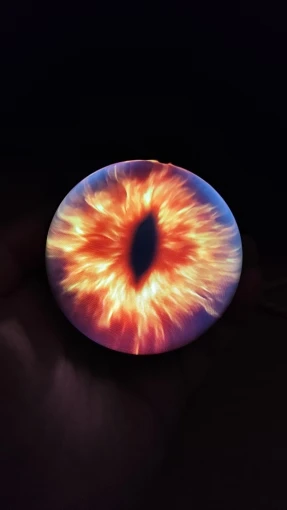
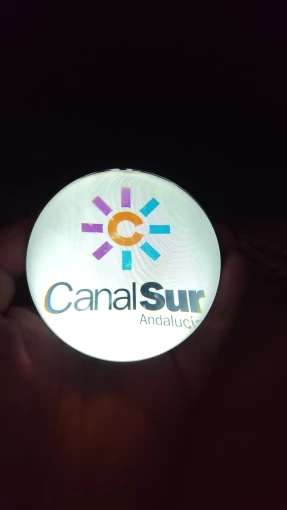
It's pretty and works well. It's one of the better items from Temu.
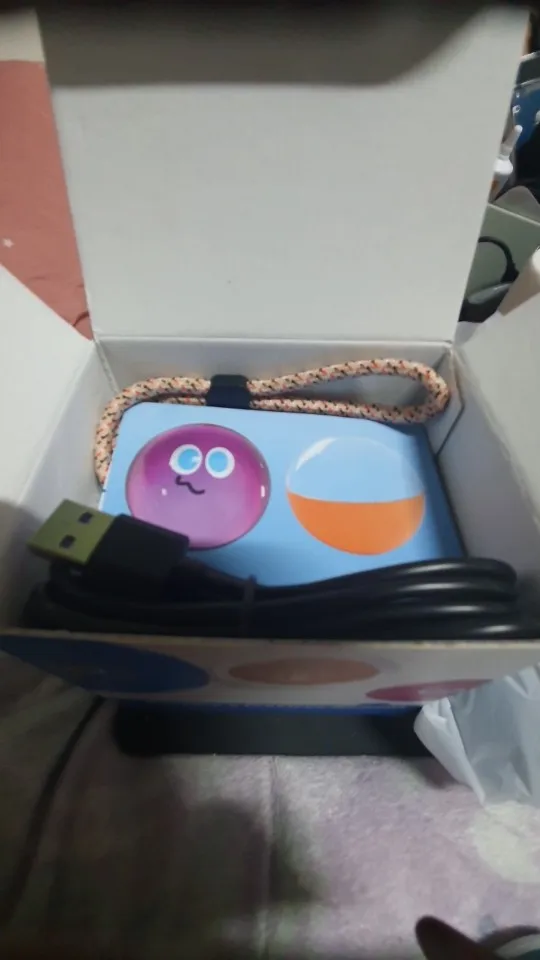
I received exactly what I ordered. My wife got it as a Christmas gift and she really likes it. The sound quality is also excellent.
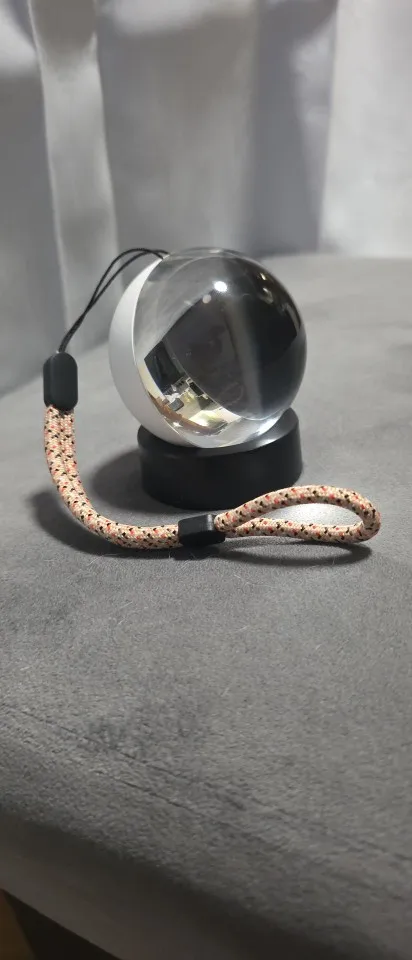
It's somewhat tedious to upload the videos and go through the whole process, but it works well.
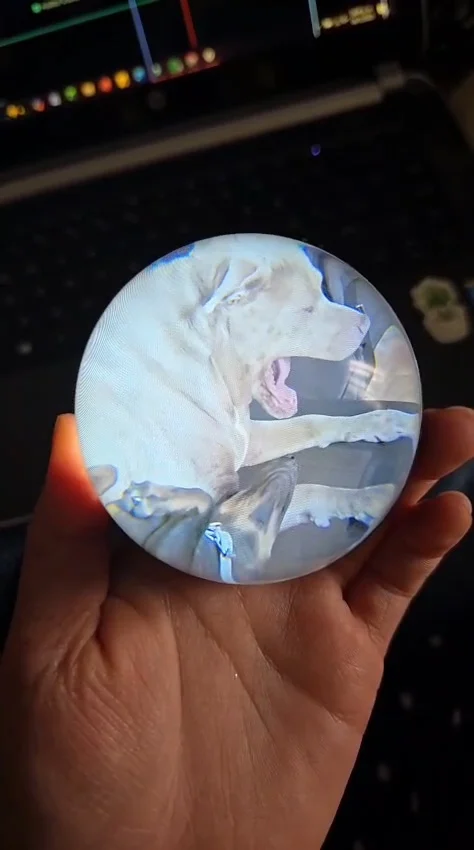
The product arrived in good condition and corresponds to the description.
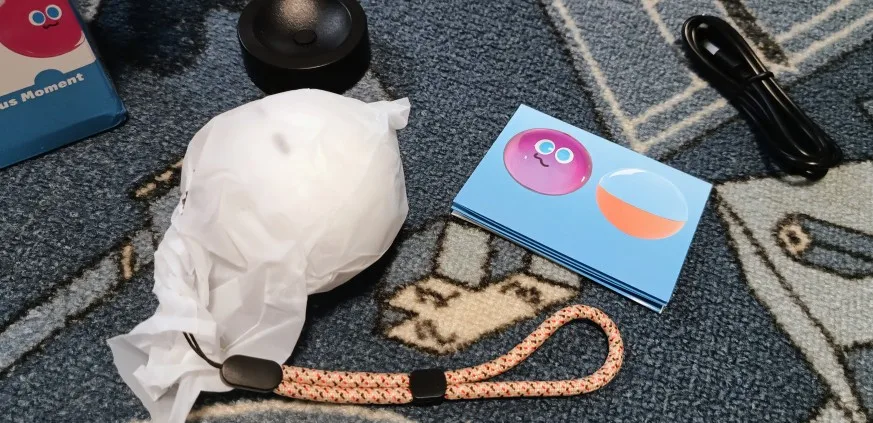

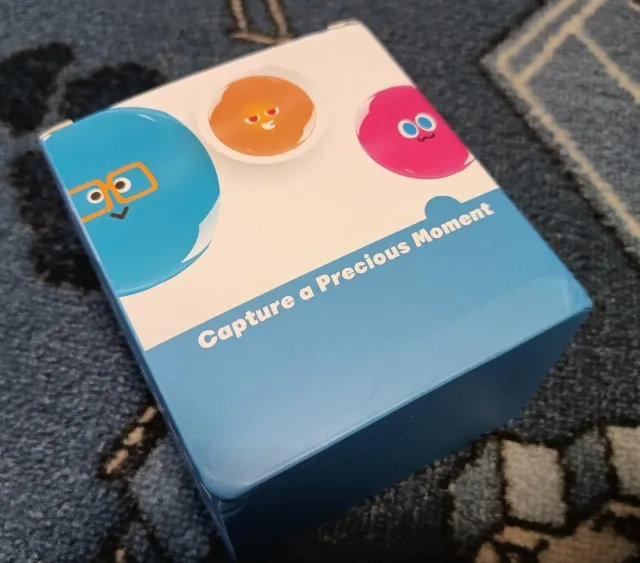

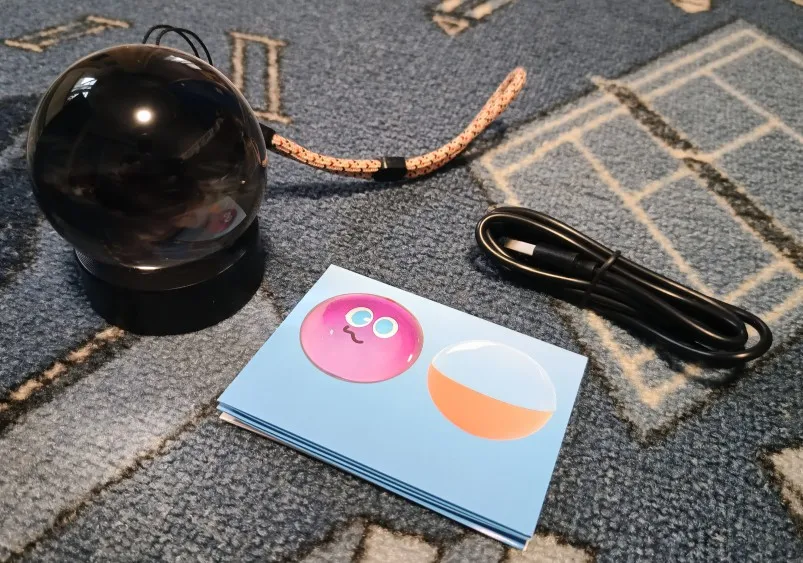
we reduced the video quality to save it but it meets my expectations
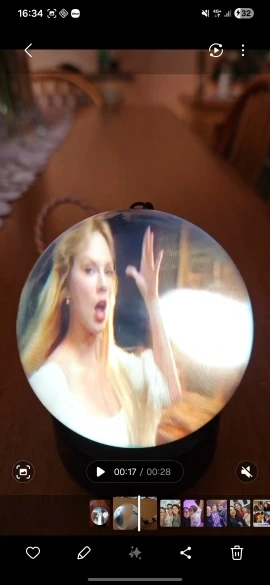
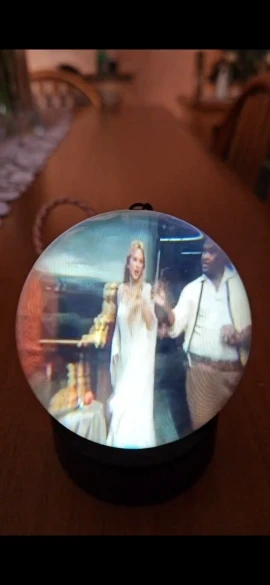
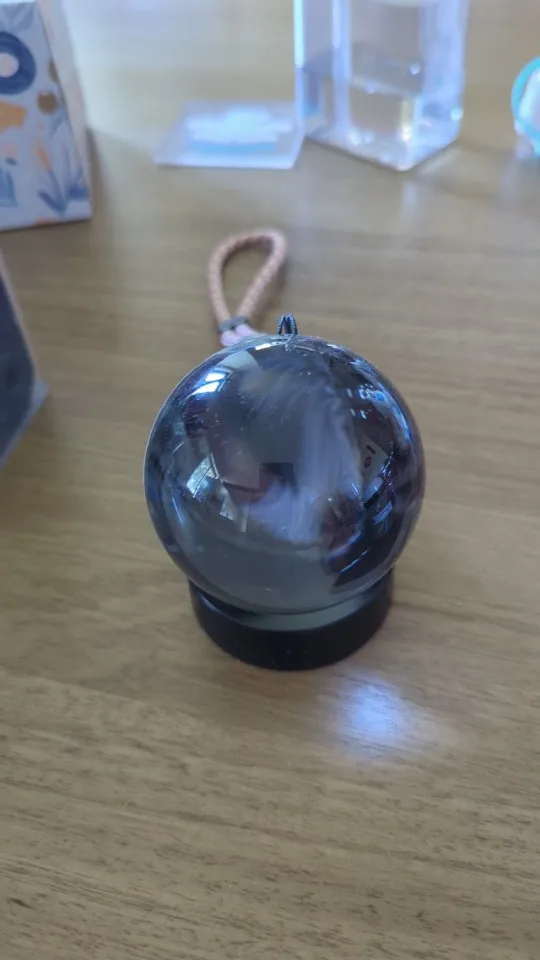
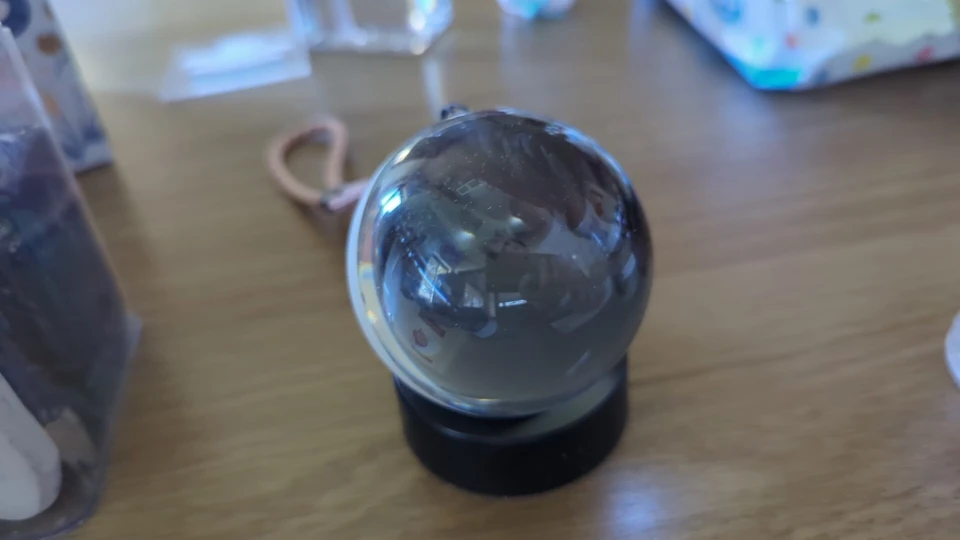
Very nice effect, videos are easy to upload and it's quite intuitive to control the sphere. As for flaws, I would say it's too heavy to hang on a tree (luckily a base is included to hold it on a table) and images are zoomed in a bit (although I checked carefully the dimensions).
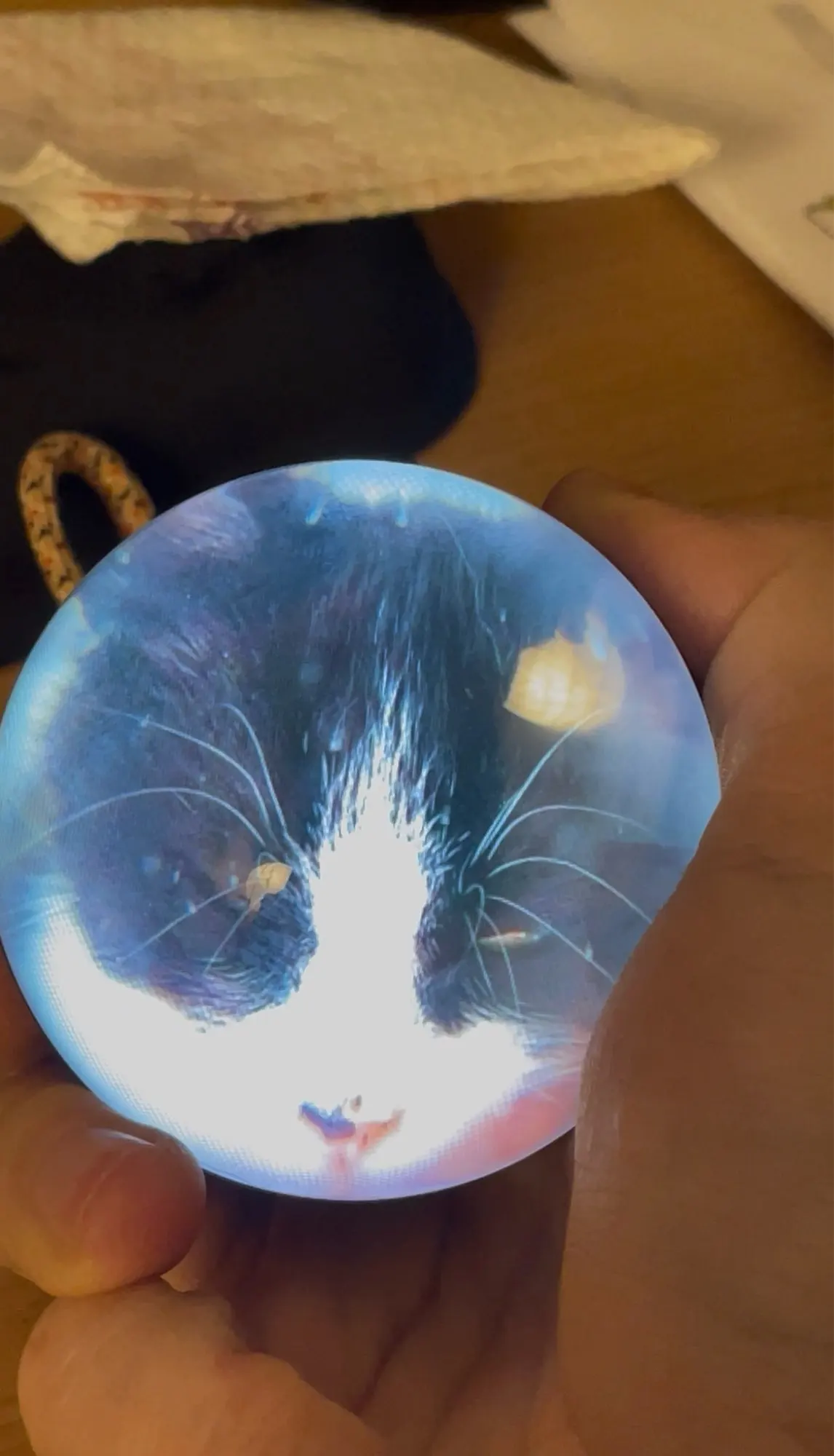
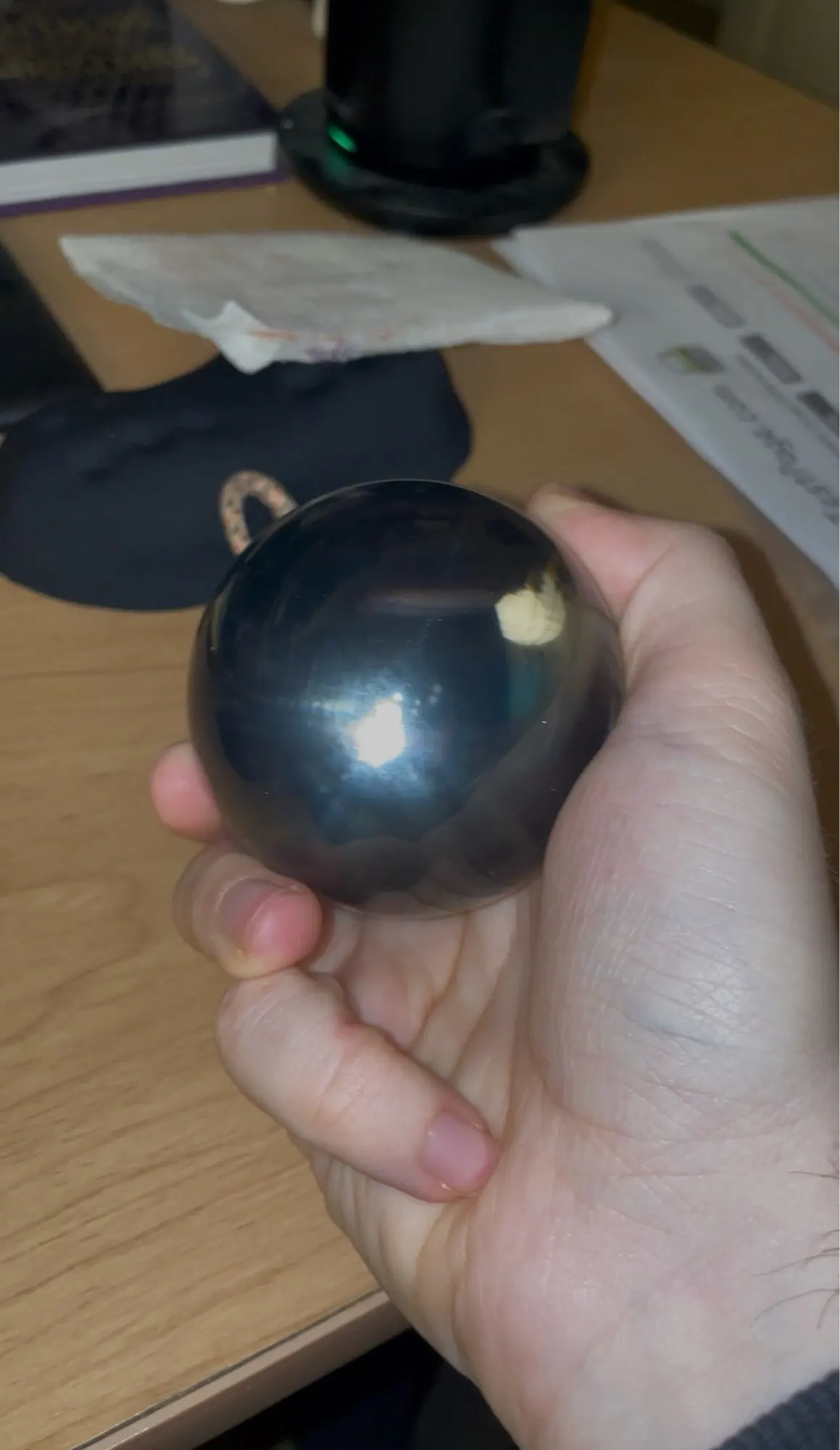
Perfect, I recommend!!! It's an incredible video slideshow!




perfect arrived early
very easy to insert the video
always use the cable that comes in the box
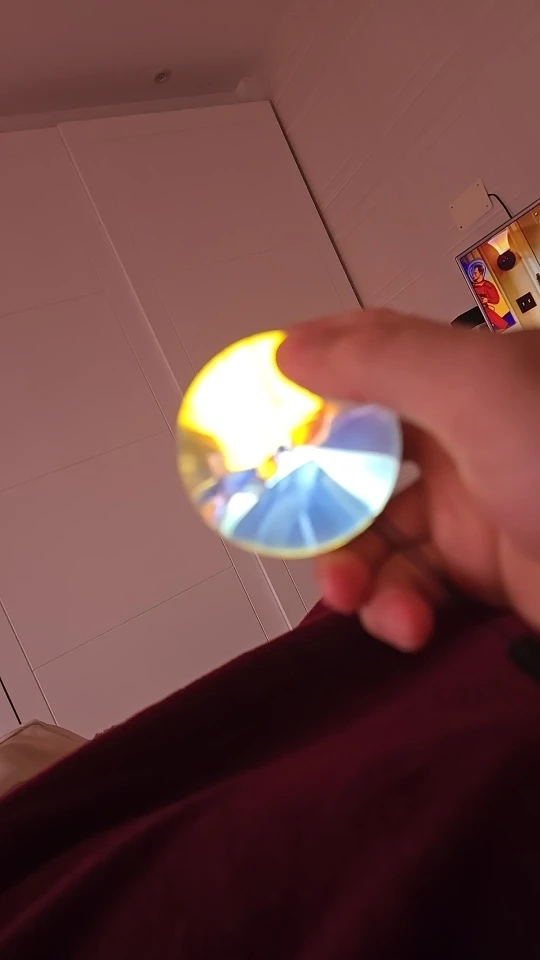
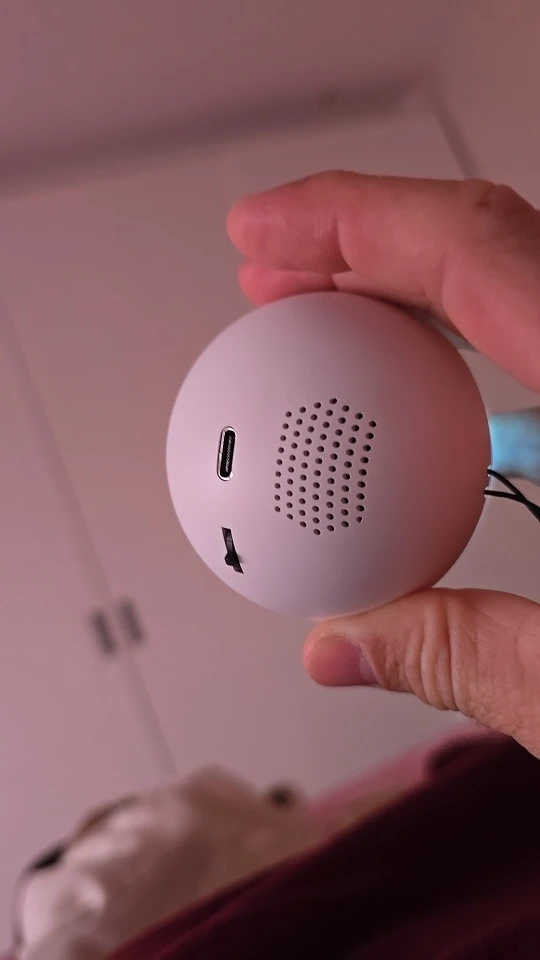
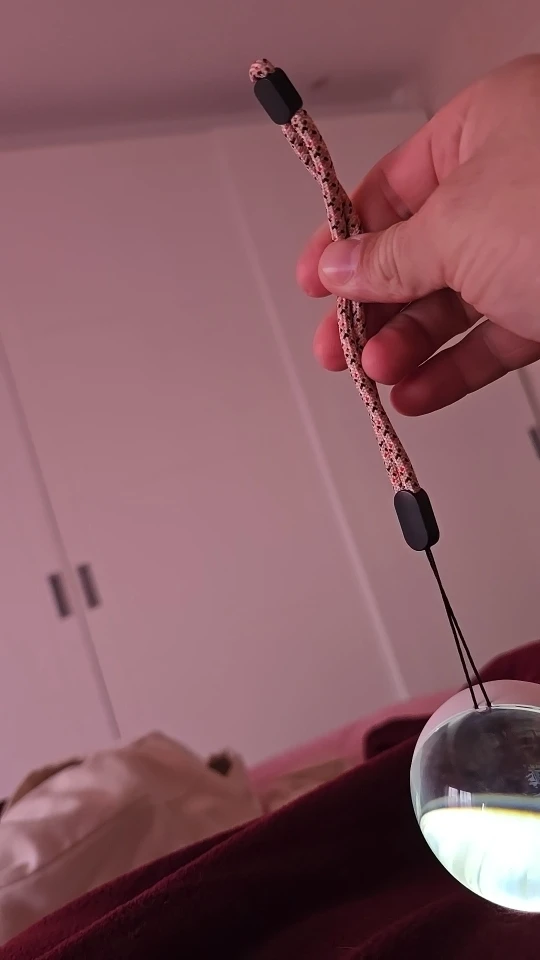
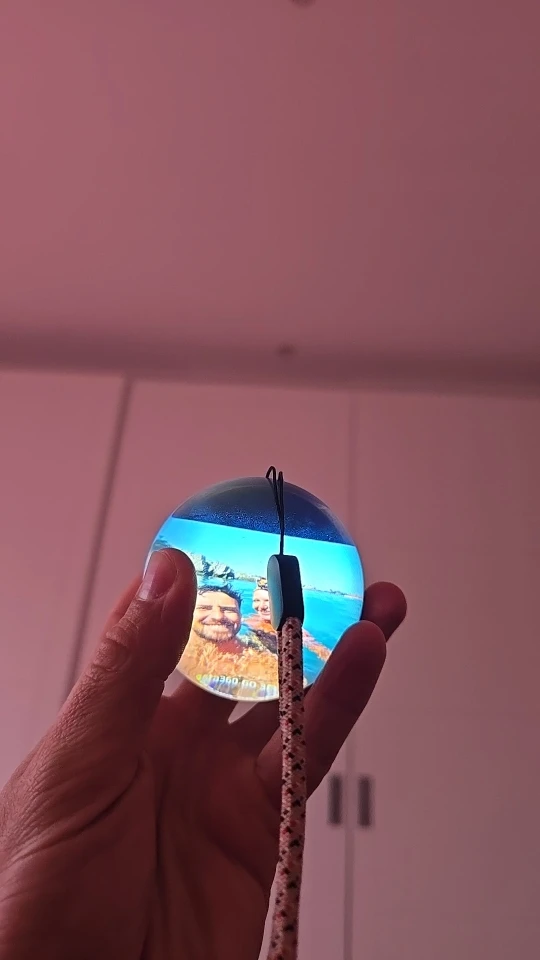
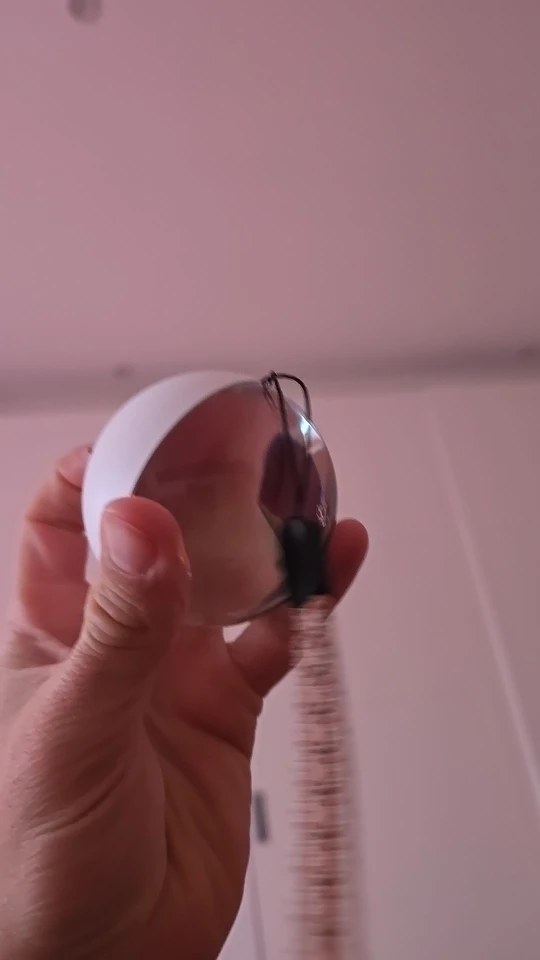
Nice looking product. It can only play one video at a time and you must manually flick to the next one.
Video must be in 480x480 to be seen well.
Great..............................................